How to check DualSense compatibility before playing
Check the device, game and connection when a particular DualSense feature matters to you.
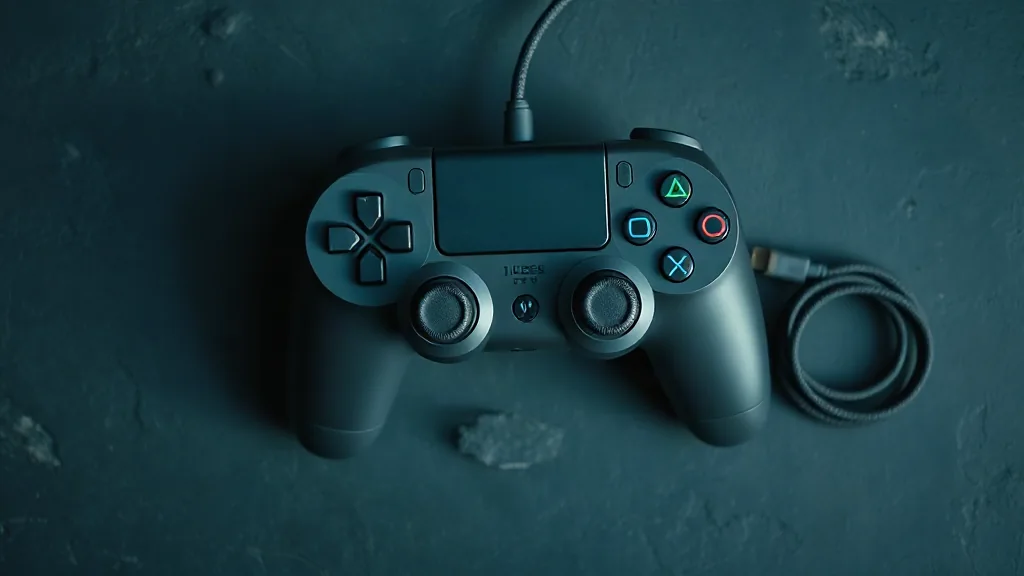
Start by checking the device you plan to play on. DualSense connects to supported devices over Bluetooth or USB. Check which connections your device supports, then look up controller information for the specific game. A successful connection tells you the device recognises the controller. The game determines which individual features you can use.
On PC, use USB if you want haptic feedback in a game that supports it. If you already have the controller paired over Bluetooth, connect it by USB before checking the game’s controls and feedback options. When deciding whether a controller suits several games, make the same check for each title. A feature you use in one game may be implemented differently in another, so look for the feature by name when consulting compatibility information.
Browse PC controllers on Amazon UK